Understand your screen time. Privately.
System Trace is a privacy-first screen-time tracker for Windows, macOS, and Linux. It shows you where your time goes and helps you take it back. Your activity data never leaves your device.
- 100% local
- No account
- No telemetry
- Open source (MIT)
Everything in one calm app
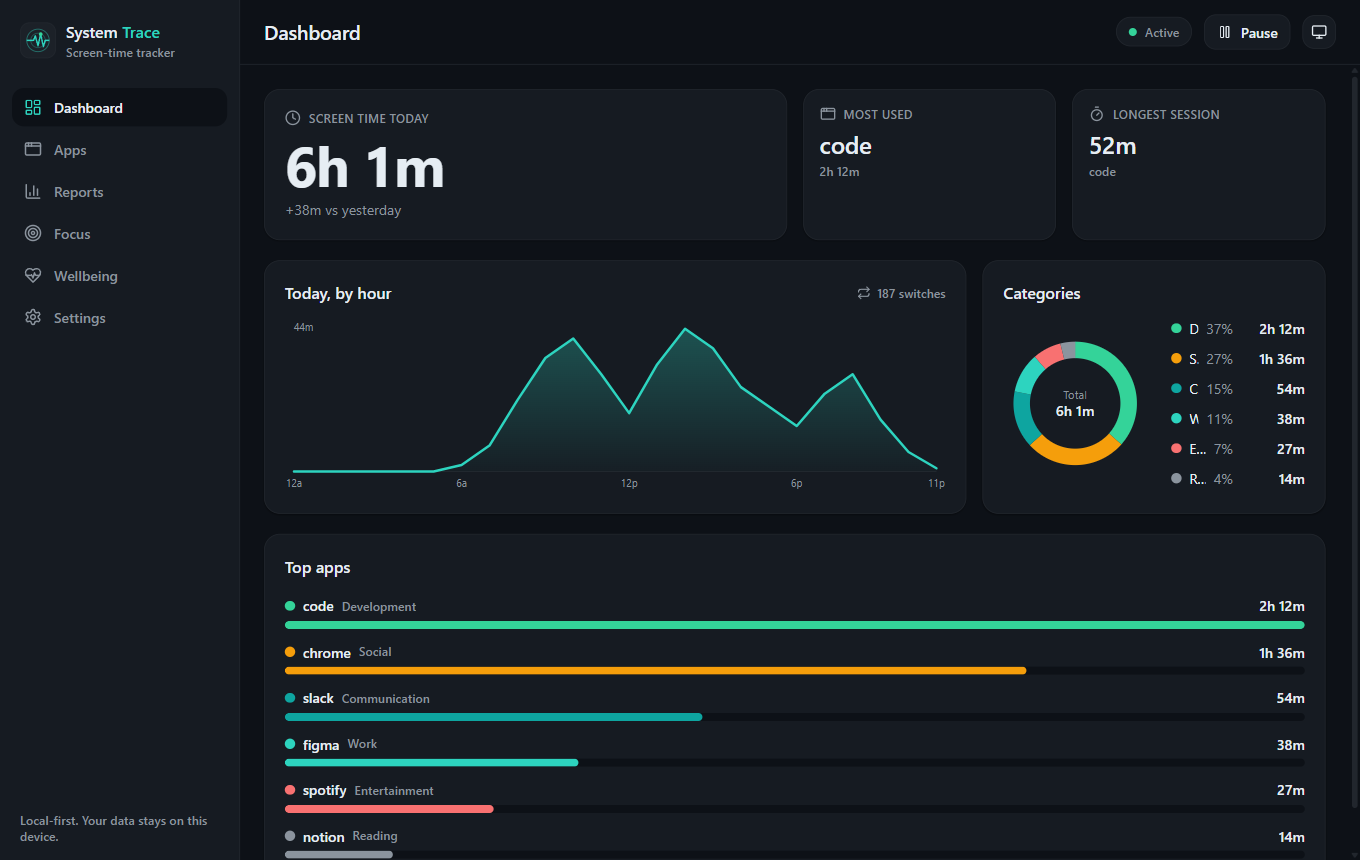
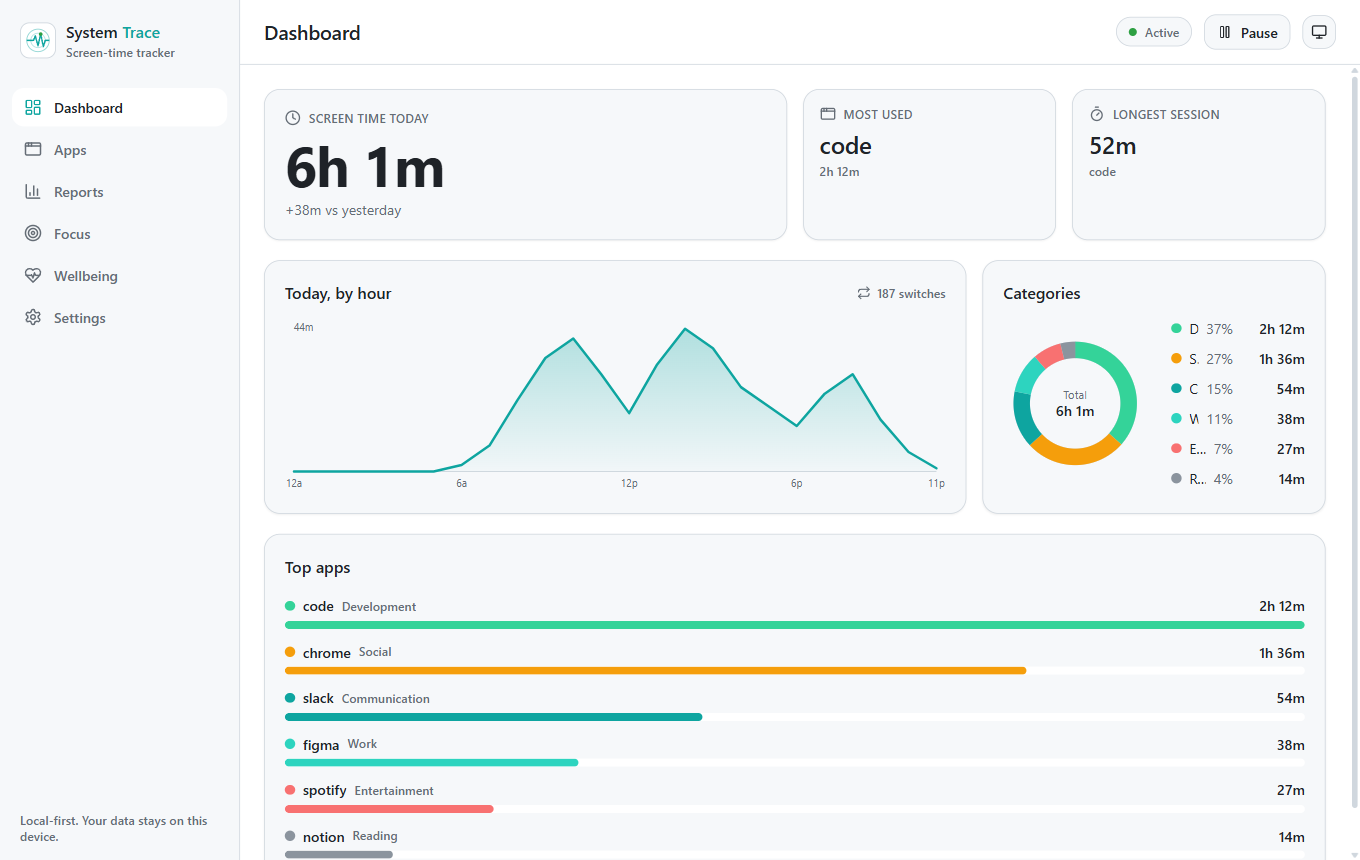
Most tools do one thing: track, or block, or remind. System Trace brings tracking, limits, focus, and wellbeing together, without sending your data anywhere.
Automatic tracking
Records which app and window you use and for how long, with smart, configurable idle detection that still counts videos, music, and calls.
Private by design
Everything is stored in a local database on your machine. No cloud, no account, no telemetry. Export or wipe your data anytime.
Limits and focus
Set daily limits per app and start focus sessions that block distracting apps and sites while you work.
Wellbeing built in
Gentle break reminders to rest your eyes, plus quiet hours that keep nudges silent in the evening.
History and search
Walk back through any past day, week, or month, and search your whole history to find exactly when you used an app.
Make it yours
Dark and light themes plus a choice of accent palettes, a global pause hotkey, and one-click backup and restore.
Designed to respect your attention
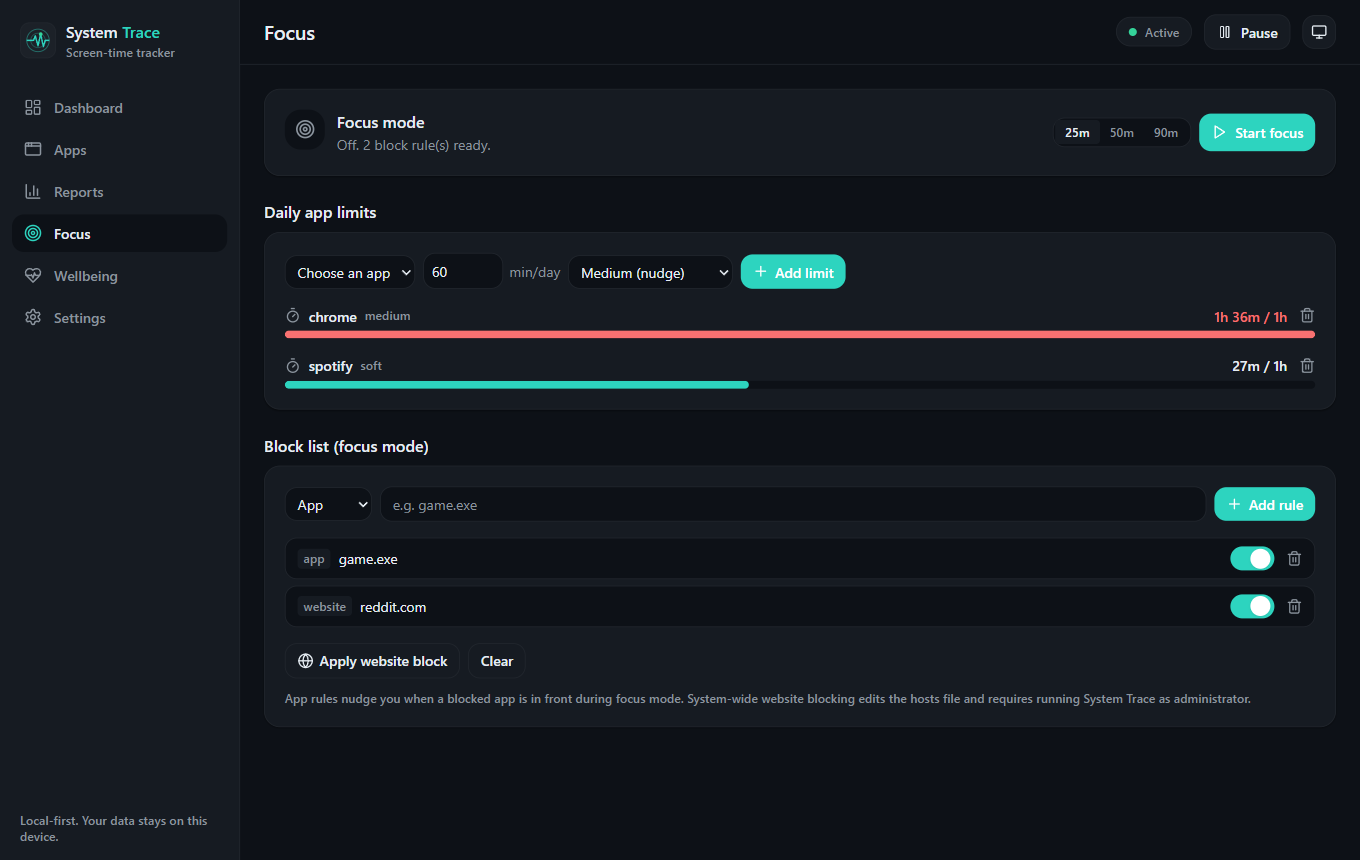
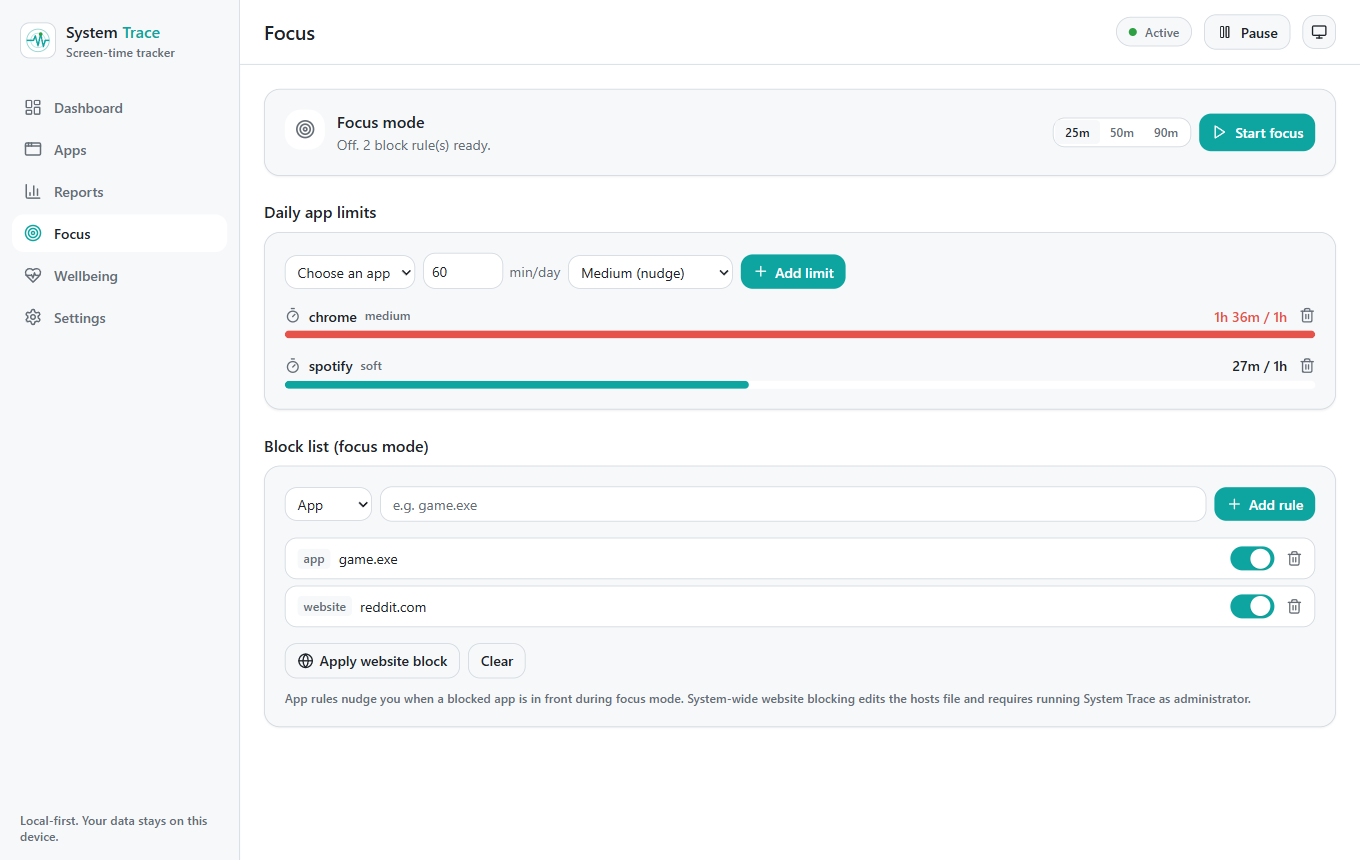
Limits and focus mode
Cap an app at a daily limit, or start a focus session that blocks distractions.
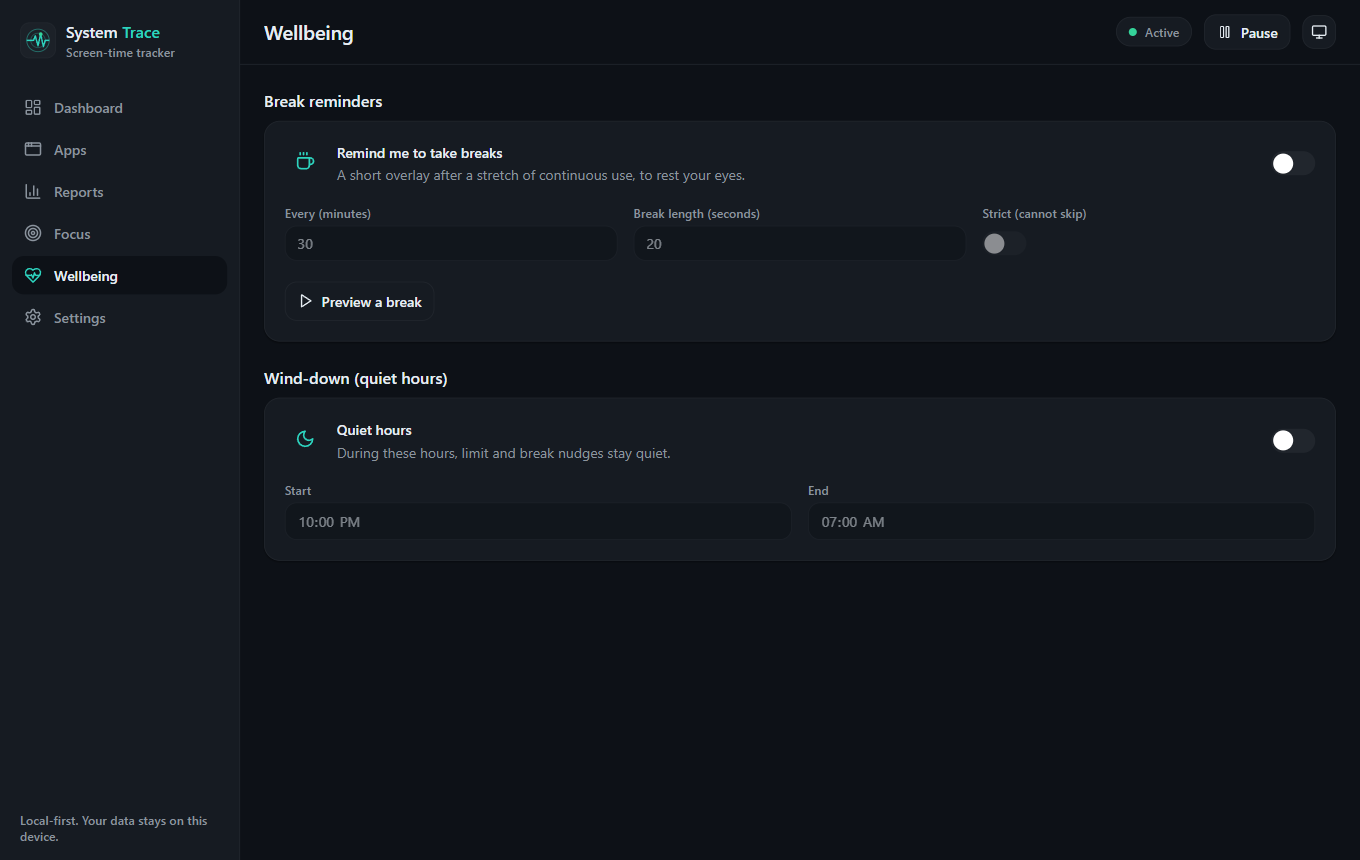
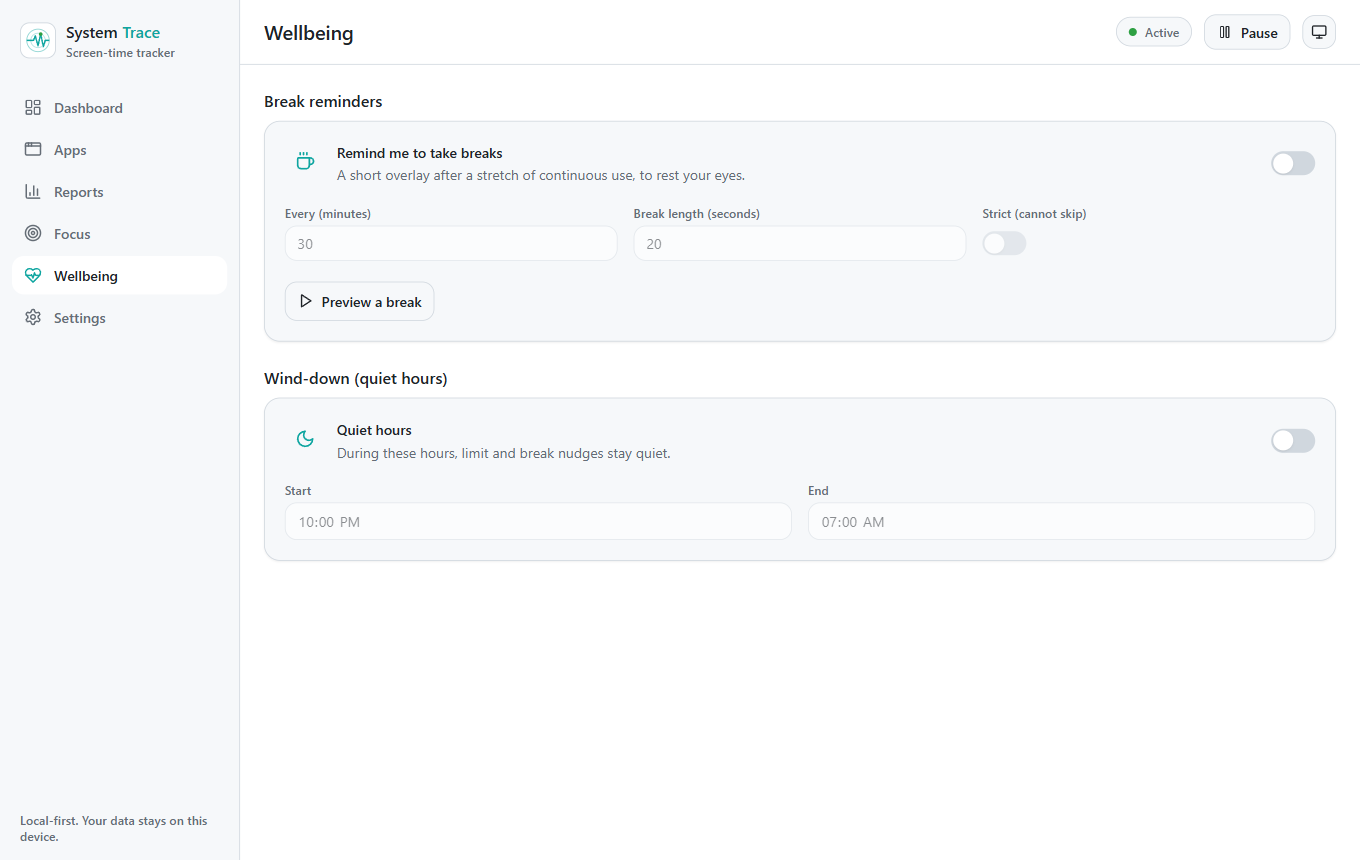
Breaks and quiet hours
Reminders to rest your eyes, and quiet hours that keep evenings calm.
Windows, macOS, and Linux
The same private, well-designed experience on all three, released together.
Private by default, open by design
Your time is yours. So is your data.
System Trace is local-first on purpose. There is no cloud to opt out of and no analytics watching you - your activity stays in a local database on your device.
Free and open source, MIT licensed
Free forever - no subscription, no paid tier, no upsell. The full source is public on GitHub under the MIT license, so you can audit it or build it yourself. A private, open-source alternative to cloud trackers like RescueTime.
- MIT licensed
- No account needed
- No telemetry
- Windows, macOS, and Linux
Common questions
- Is System Trace free?
- Yes. System Trace is completely free and open source under the MIT license. There is no subscription, no paid tier, and no upsell.
- Is System Trace open source?
- Yes. The full source code is public on GitHub under the permissive MIT license, so you can read it, audit it, contribute, or build it yourself.
- Is my data private?
- Yes. All of your activity is stored locally on your device in a SQLite database. There is no cloud, no account, and no telemetry.
- Which platforms does it support?
- System Trace runs on Windows, macOS, and Linux, with the same private, well-designed experience on each.
- Is it a RescueTime or ActivityWatch alternative?
- Yes. System Trace is a free, open-source, cross-platform alternative that keeps your data on your device while staying polished and easy to use.
- Does System Trace work on Linux?
- Yes. System Trace runs natively on Linux on X11, with Wayland support in progress.
Take back your screen time
Free, open source, and private. Download for your computer and see where your time goes.