Features
Track, focus, and unwind
One app that brings together what other tools only do in pieces, designed to be calm and completely private.
Tracking
See where your time goes
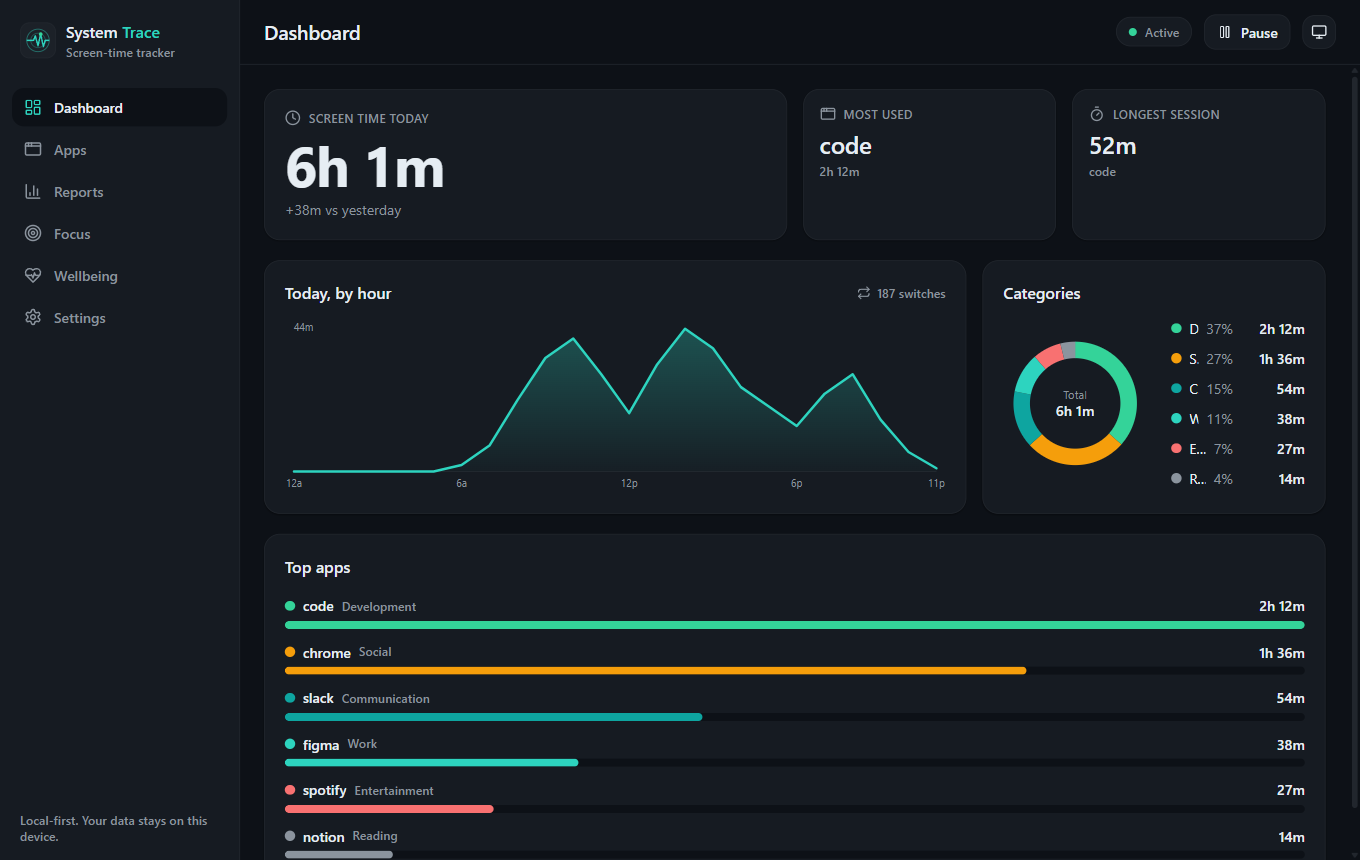
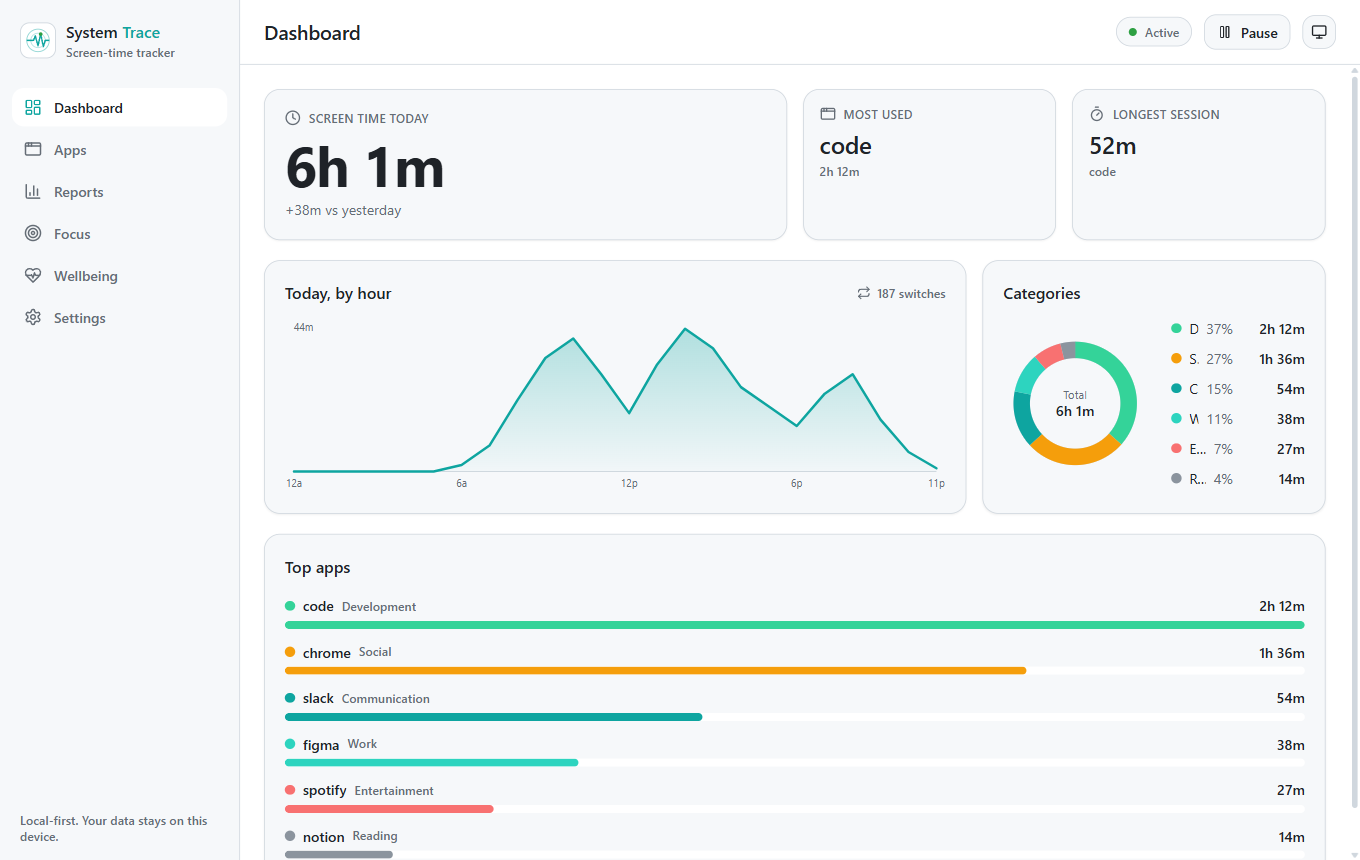
System Trace records the app and window you are using and turns it into a clear picture of your day, without guesswork.
- Automatic app and window tracking on Windows, macOS, and Linux (X11 and Wayland)
- Smart, configurable idle detection that still counts videos, music, and calls
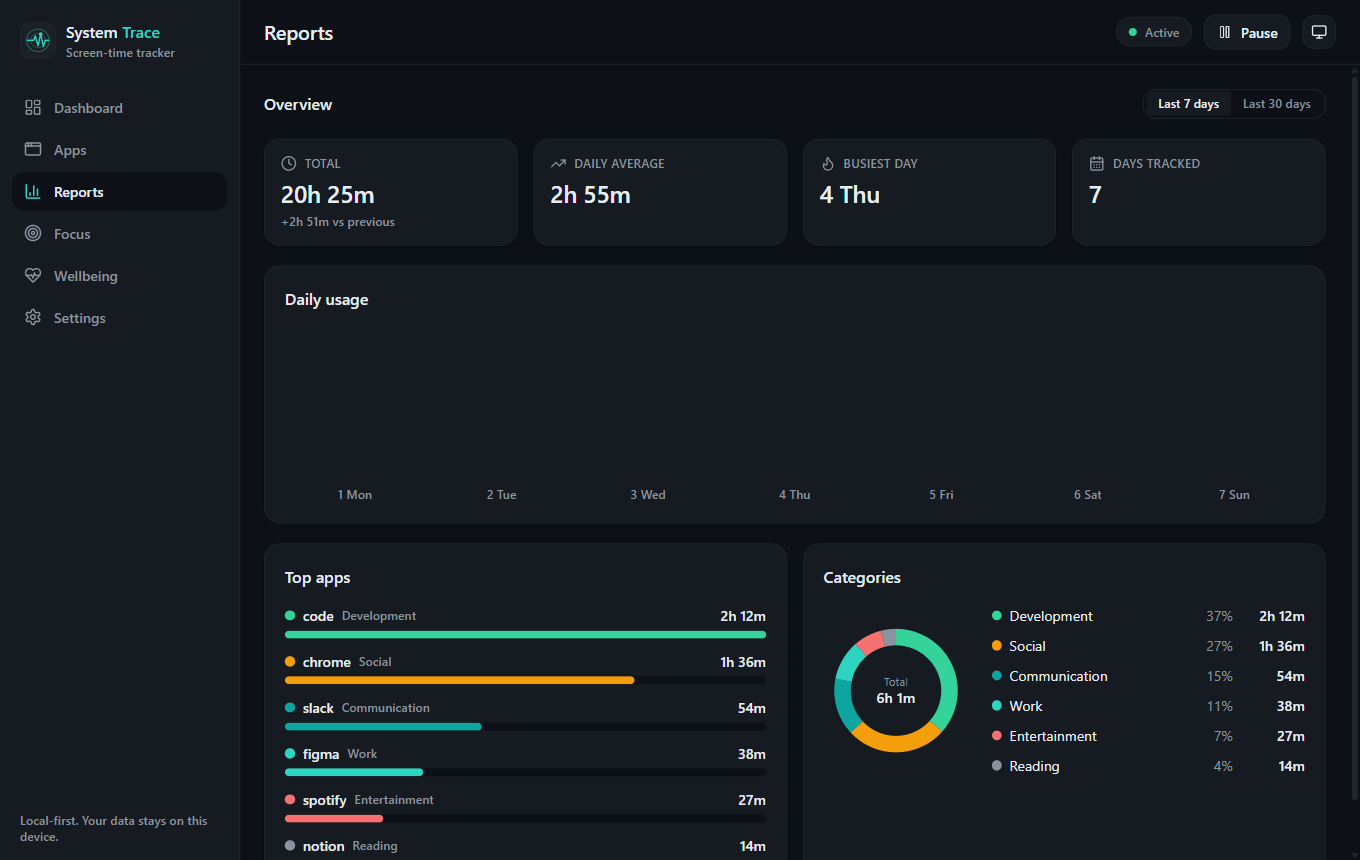
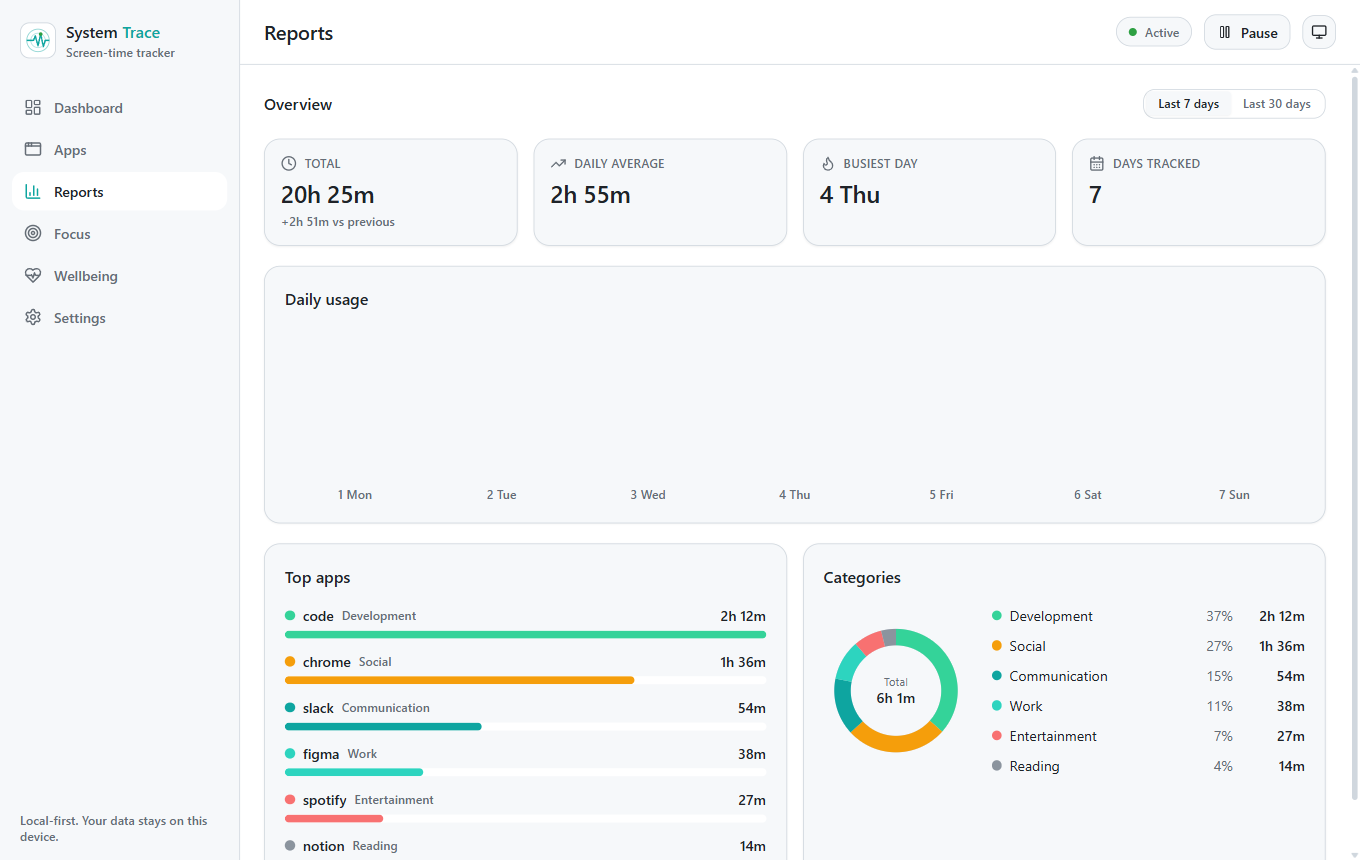
- Real app icons, a daily total, top apps, and a by-hour timeline
- Walk back through any past day, week, or month
- Search your whole history to find when you used an app
- Custom categories you create and edit, with an optional Focus Score
- Window-title capture is optional and off by default
Control
Set limits and focus
Turn awareness into action. Cap the apps that pull you in, and wall off distractions when you need to concentrate.
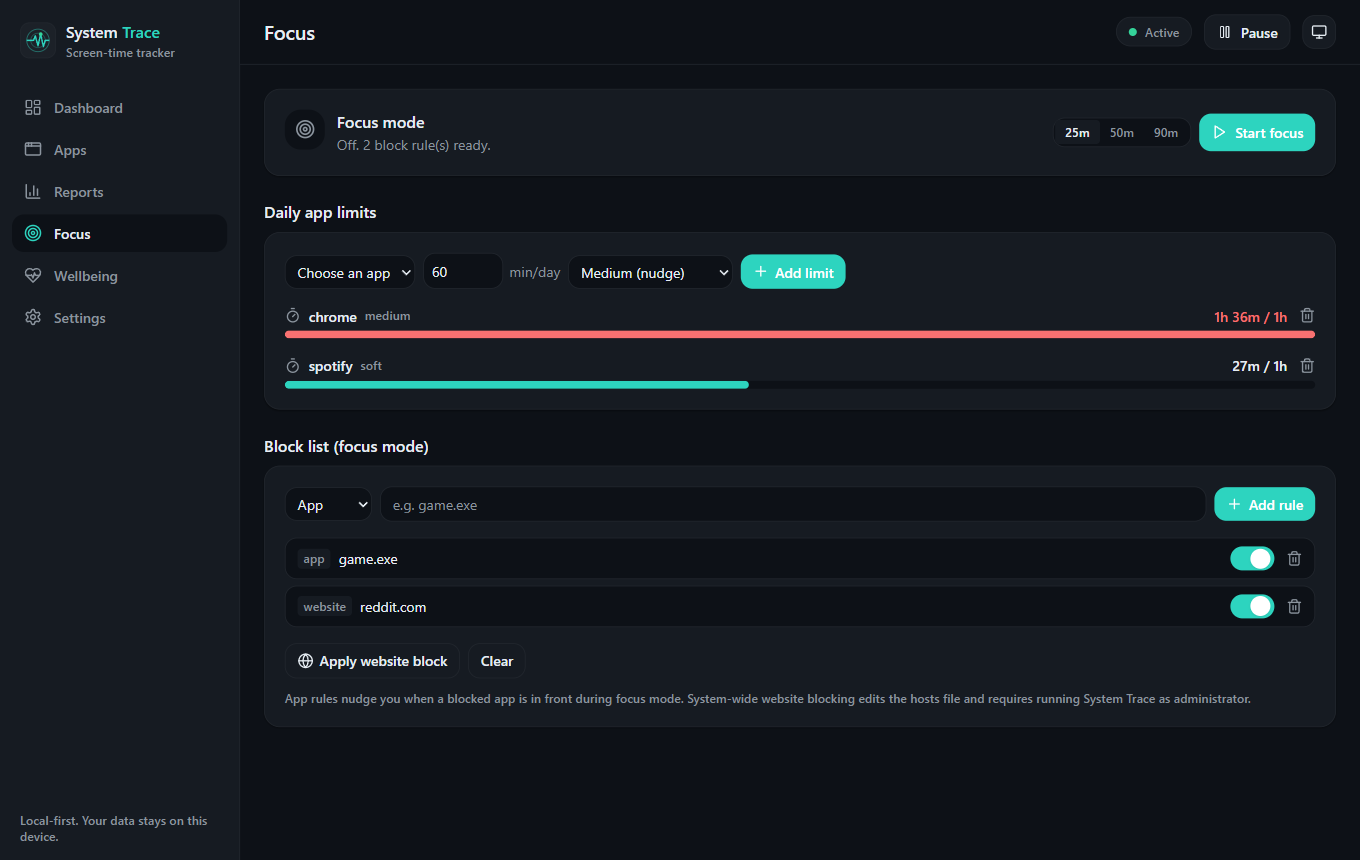
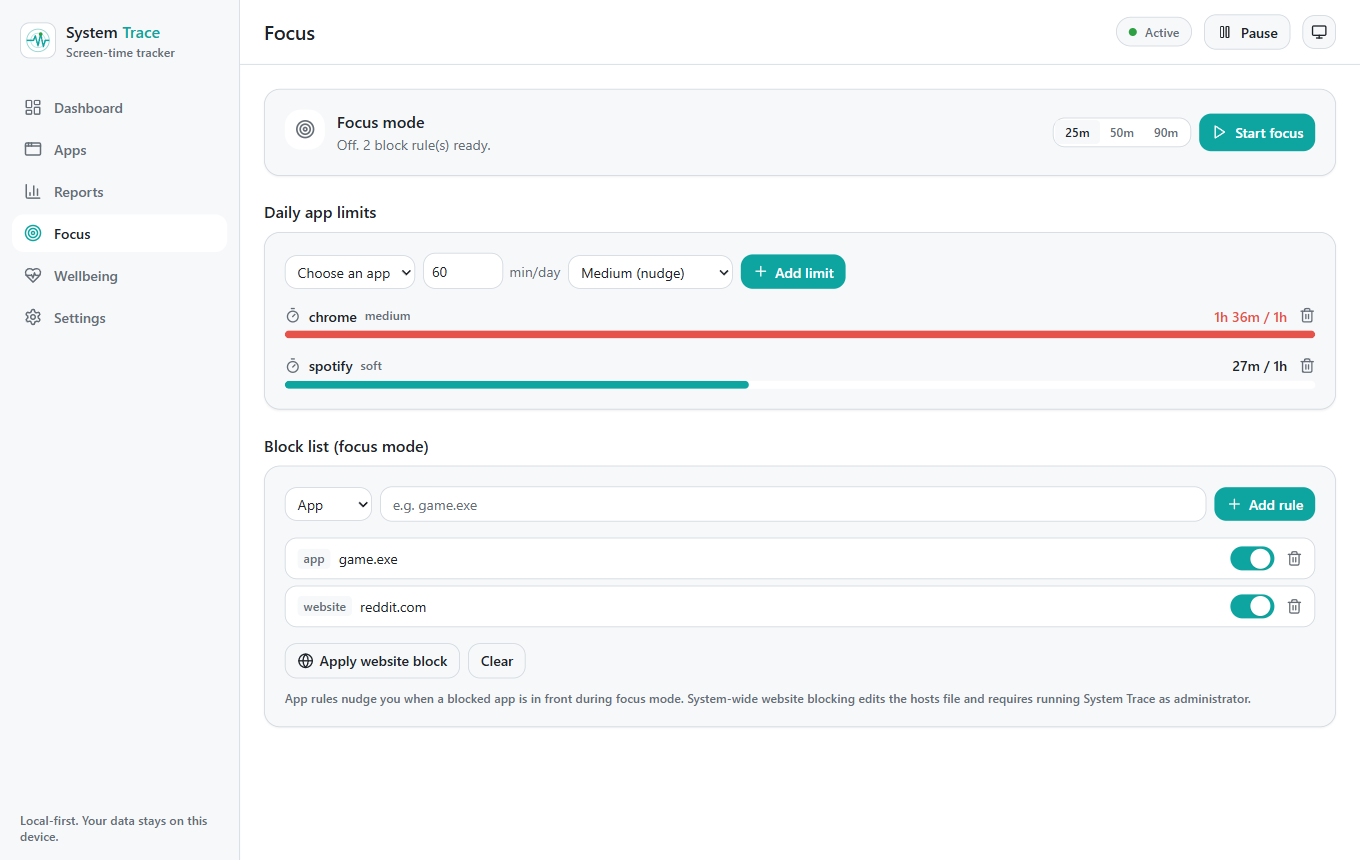
- Daily limits per app - a gentle nudge, a strict lockout, or a hard limit that closes the app
- Focus sessions with a live countdown and a note for what you worked on
- Block lists for apps and websites, with optional active-hours schedules
- System-wide website blocking (a one-time permission prompt on Linux; admin rights on Windows and macOS)
- Pause or resume tracking from anywhere with a global hotkey
Wellbeing
Rest and wind down
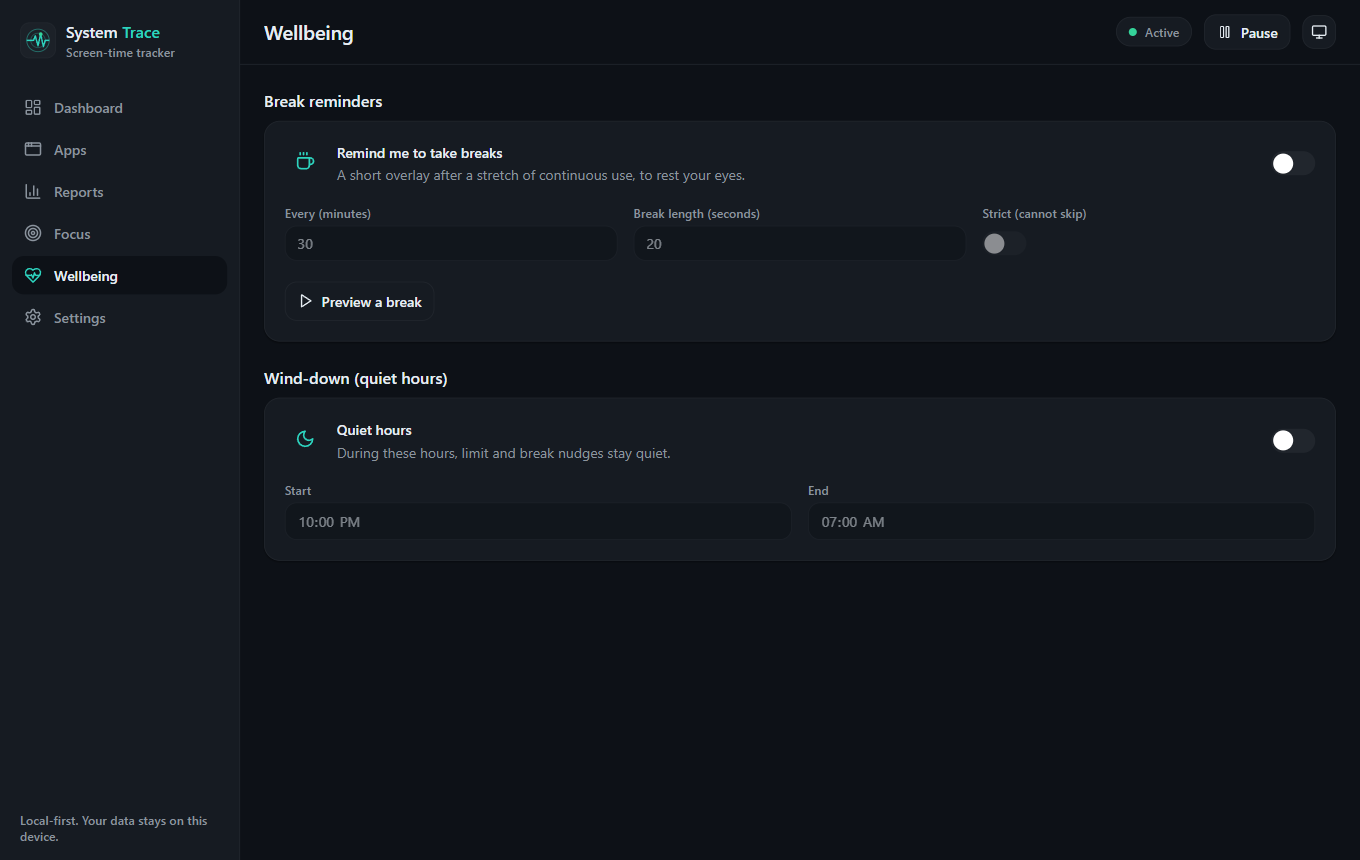
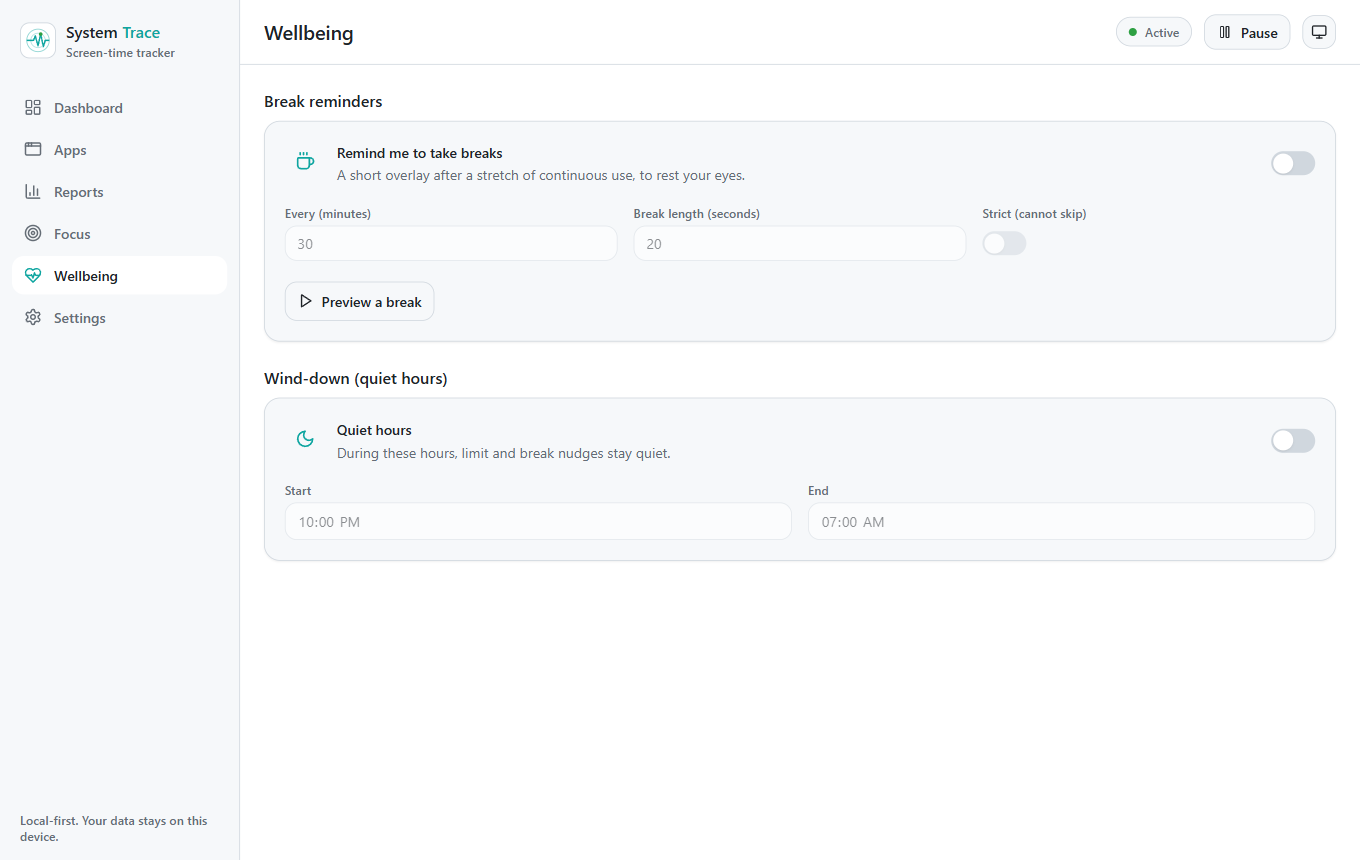
A tracker should care about you, not just your numbers. Break reminders and quiet hours keep your evenings calm.
- Break reminders to rest your eyes, with skippable or strict modes
- Quiet hours that keep limit and break nudges silent
- Category goals with daily streaks to build better habits
- Distraction nudges after sustained time on a distracting app
- Summary notifications you can set to off, daily, weekly, or both
Privacy and data
Yours to keep, yours to remove
Local-first is the whole point. You stay in control of every record System Trace keeps.
- All data stored locally and encrypted at rest, never uploaded
- No telemetry and no account
- Export to CSV or JSON, for everything or a chosen date range
- Back up and restore your database in one click
- One-click wipe, and exclusions for apps or private windows